 IOU
Never lose track of who owes who.
IOU keeps a clear record of the money you've lent and borrowed. Log repayments as they come in, set deadlines, and get a reminder before a debt is due.
Everything a debt needs, nothing it doesn't
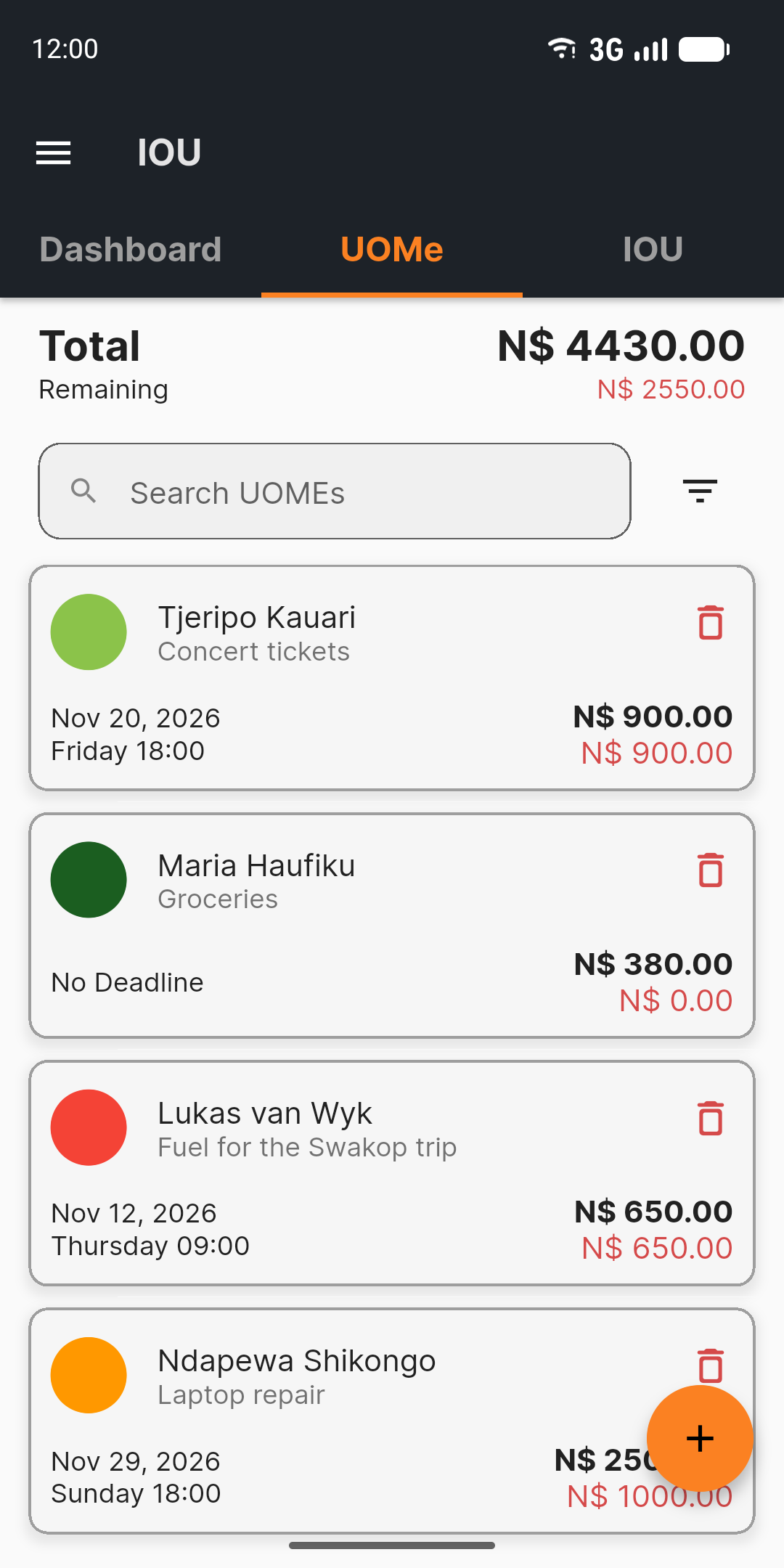
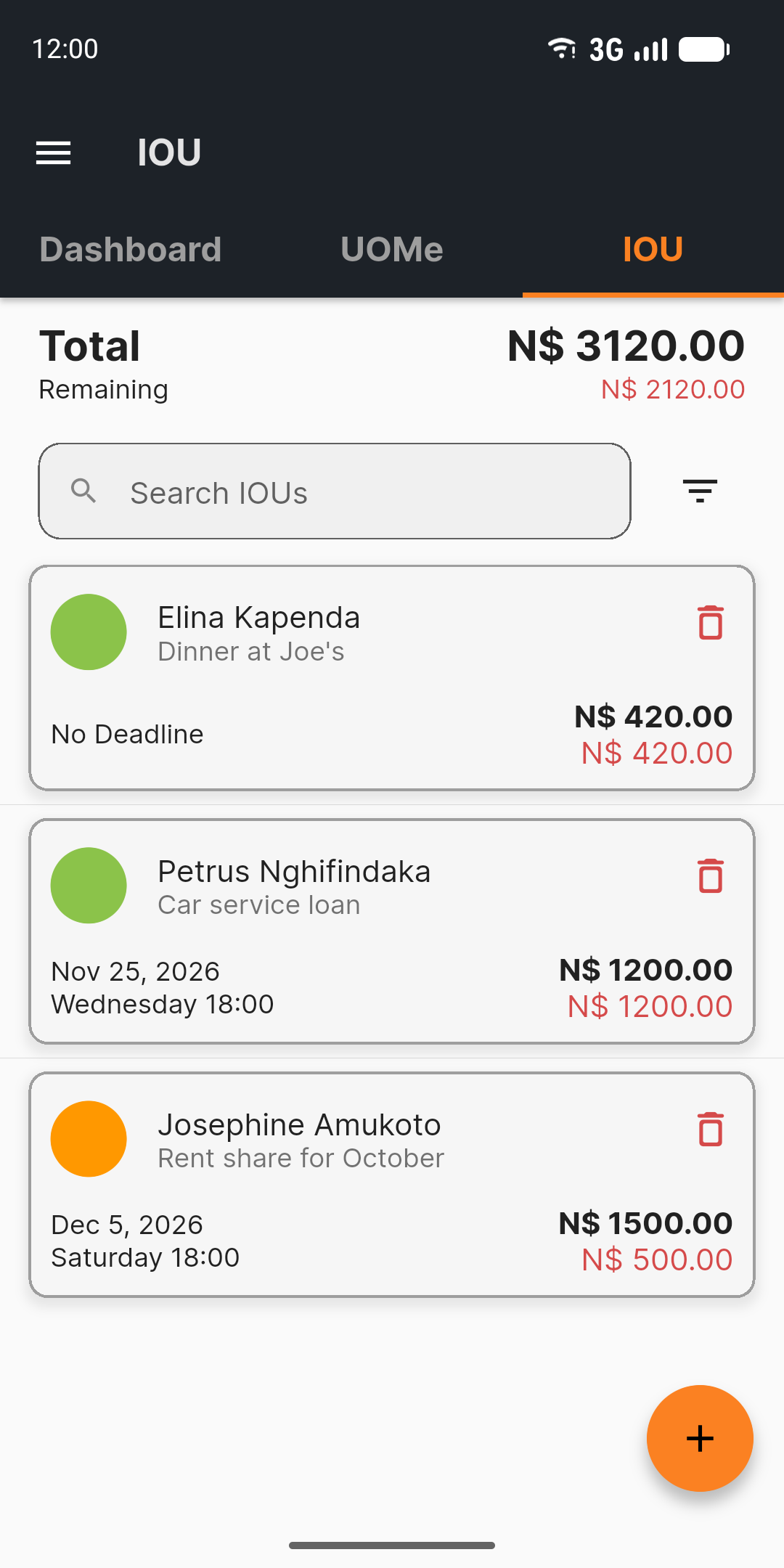
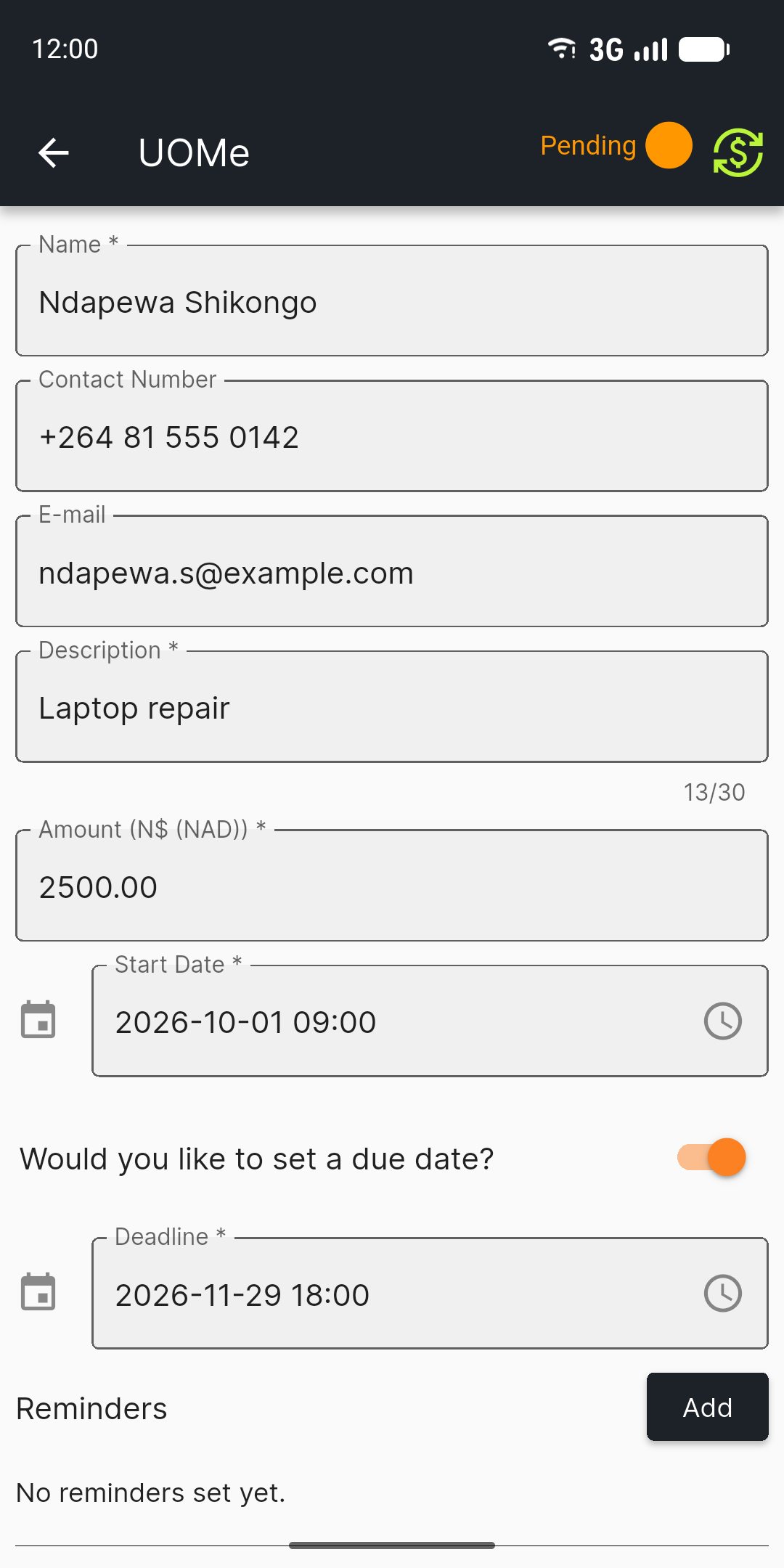
Two lists: money owed to you, and money you owe. Each record carries its own amount, deadline, notes, reminders and payment history.
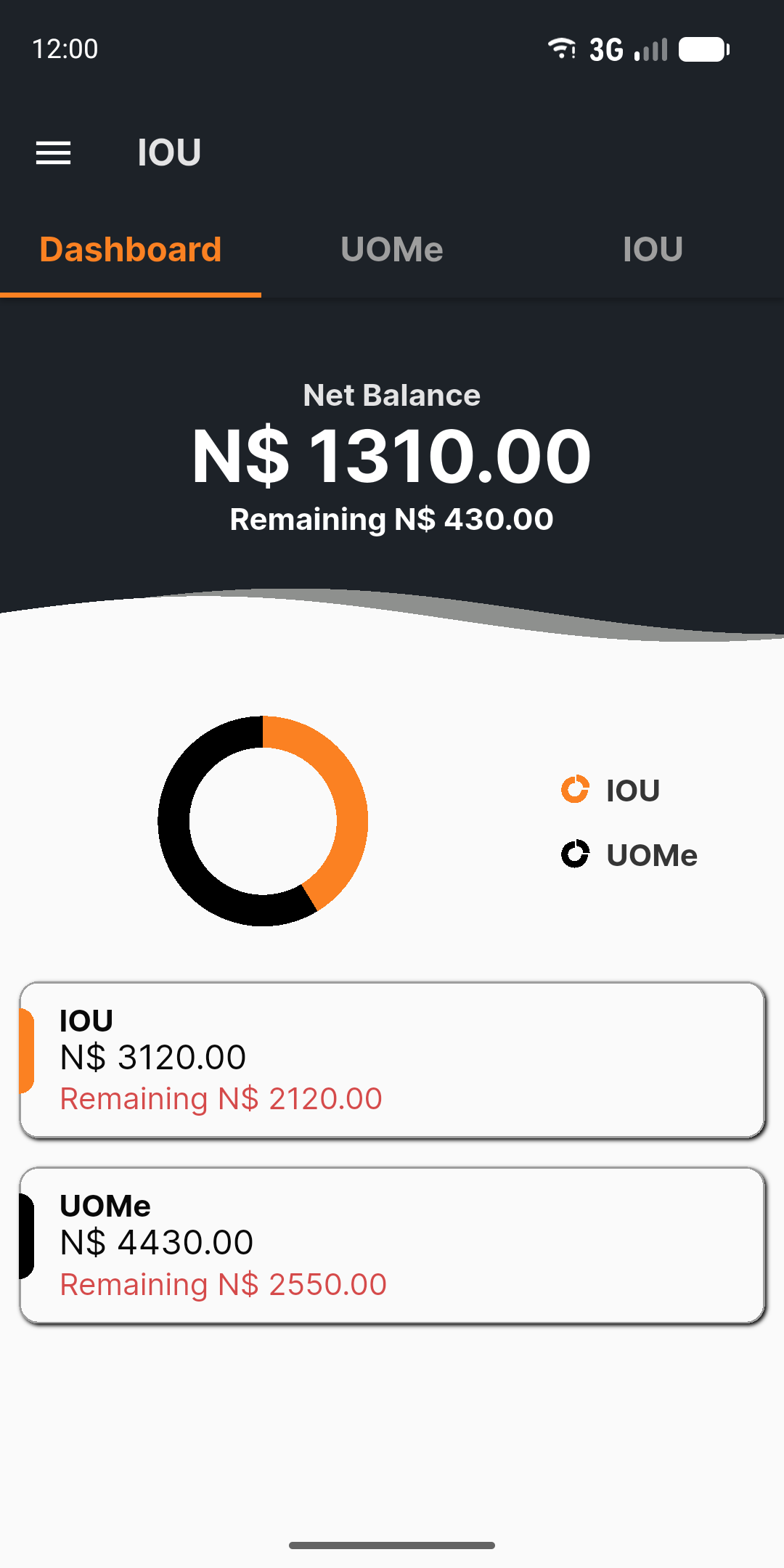
See your net balance
The dashboard adds up what you're owed and what you owe, so you know where you stand at a glance.
Log part payments
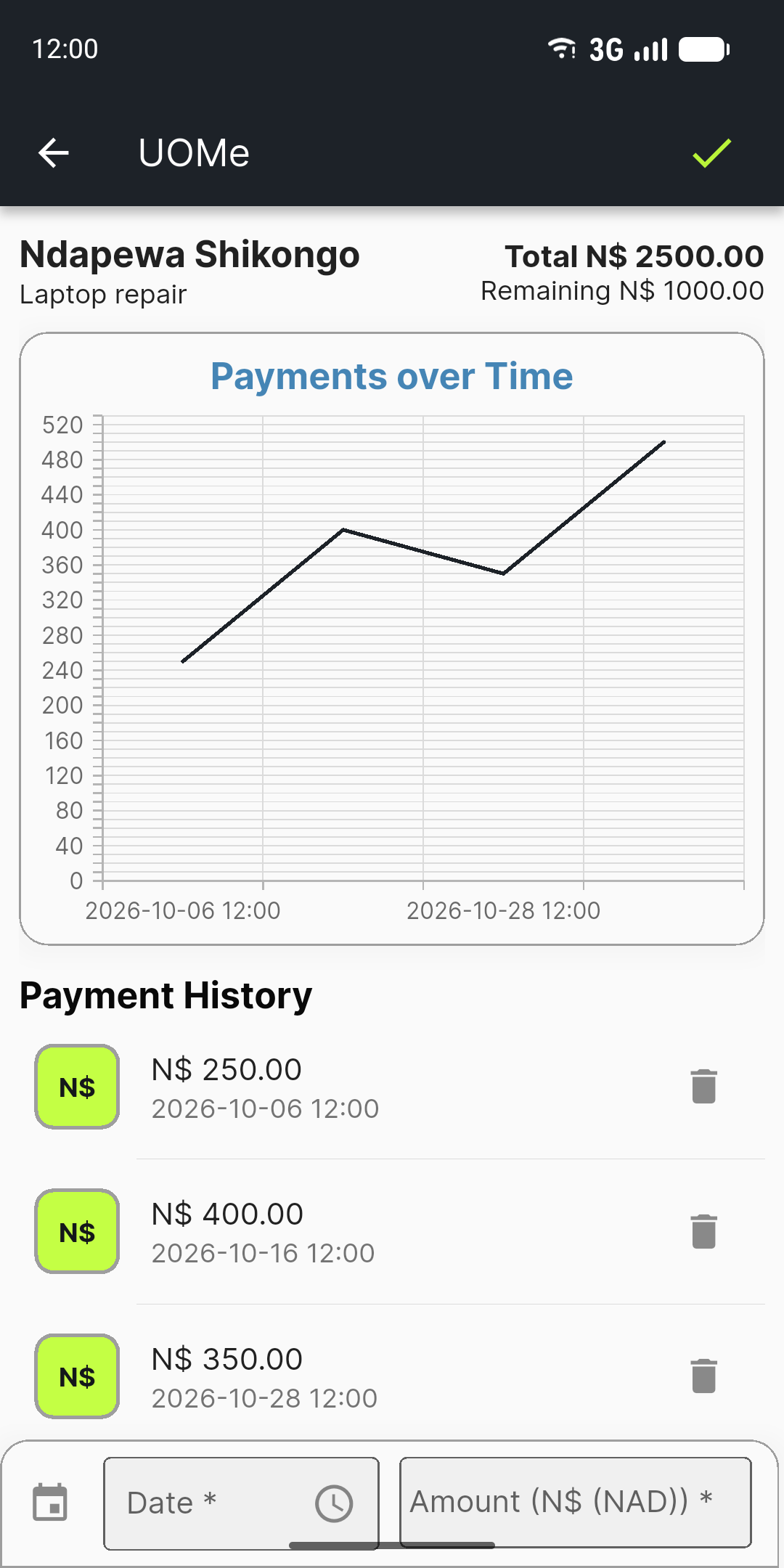
Record repayments as they arrive. IOU keeps the remaining balance and charts payments over time.
Get reminded on time
Set a deadline and choose when to be reminded. Notifications are scheduled on your phone.
Find any record fast
Search by name, description, notes, email or phone number, and sort by date, amount or name.
Back up and restore
Export your records to a file you control, and restore them on a new phone.
Your currency
Pick from built-in currencies or add your own, and switch between light and dark mode.
A look inside
Screenshots from IOU 2.0 on Android.
Your records stay on your phone
IOU has no accounts and no servers. We can't see your records, and the app doesn't send them anywhere. Read the privacy policy.
- Stored only on your device
- No ads, analytics or tracking
- Contacts read only when you pick one
- Delete everything at any time
Support
Questions, bugs or ideas? Email info@akillix.com and we'll reply as soon as we can.
Do I need an account?
No. IOU works without sign-up and without an internet connection.
How do I move my records to a new phone?
Open the menu and choose Backup, then tap Backup now. Select the backup file and tap Backup to cloud to send it somewhere you can reach from the new phone, such as email or a cloud drive. On the new phone, install IOU, open Restore and pick that file.
Why does IOU ask for contacts permission?
So you can fill in a person's name, phone number and email from your address book instead of typing them. IOU reads only the contact you pick, and only when you tap Open Contacts. You can say no and type details by hand.
I'm not getting reminders.
Check that notifications are allowed for IOU in your phone's settings. On Android 12 and later, also allow "Alarms & reminders" for IOU so reminders arrive at the exact time.